WhatsApp Web Down: What to Do and How to Protect Yourself
WhatsApp Web went down twice in May 2026, exposing an uncomfortable truth: it was never designed to support a company's customer service.
by Cleverson Gouvêa
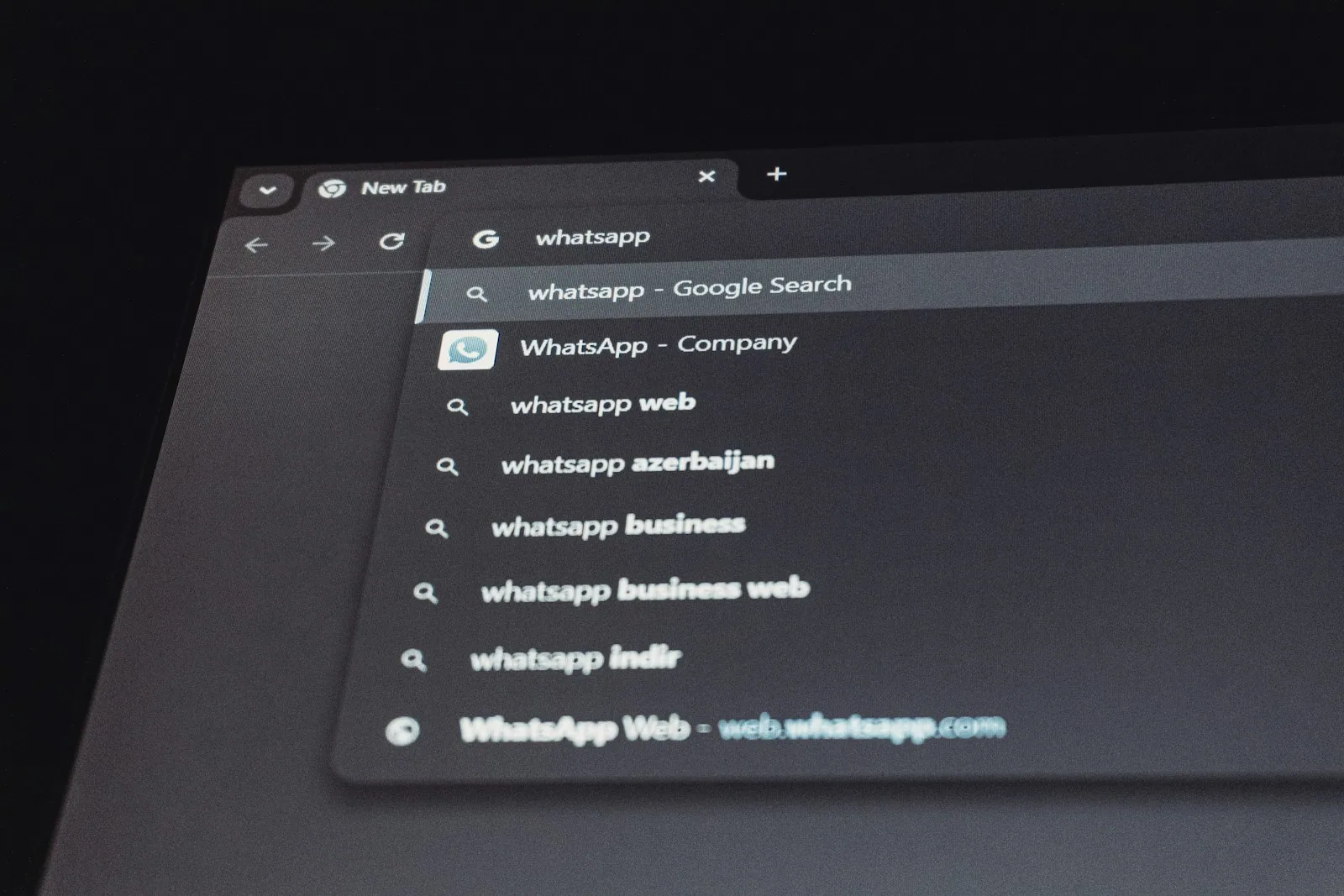
WhatsApp Web down became one of the most searched terms in Brazil in May 2026 — and for good reason. In less than two weeks, the service went down twice, leaving businesses without support and causing many to mistake a Meta technical failure for an account block. This guide separates the two and shows the way out for those who can't afford to stop.
TL;DR
- WhatsApp Web went down twice in May 2026: on the 8th (42 reports on Downdetector) and on the 19th (over 1,600 reports, with users redirected to a Facebook login screen).
- The outages were Meta technical failures — not bans. But the message "you've been temporarily blocked" scared those using the number for sales.
- WhatsApp Web is a mirror of your phone: if the phone loses connection, goes to sleep, or turns off, the computer session goes down too.
- Relying on WhatsApp Web for business is fragile — and automating on top of it is the main trigger for bans in the 2026 wave.
- The stable solution is the Official WhatsApp API, and Voyia delivers that: an inbox that doesn't depend on a phone being on or a browser tab open.
What Happened to WhatsApp Web in May 2026
May 2026 was a bad month for those who work on computers. WhatsApp Web — the version that mirrors the app in the browser — experienced two major instabilities in just over ten days. It's worth understanding each one, as they have different causes and severity.
The Outage on May 8
On Thursday, May 8, users began reporting that the web version would close on its own, for no apparent reason. Difficulties centered on sending and receiving messages. Downdetector — a platform that monitors digital services in real time — recorded 42 reports related to the failure. It was a minor incident, resolved within a few hours, but enough to halt customer service during business hours.
The Outage on May 19
The episode on Tuesday, May 19, was more serious. Starting at 8 PM, those trying to open WhatsApp Web and WhatsApp Desktop were redirected to a Facebook login page — even without having a Facebook account. Worse: some users received a notice that they had been "temporarily blocked for abusing the services." Downdetector recorded over 1,600 reports starting at 8 PM. The instability was global, and the service gradually returned, normalizing around 9 PM. Despite the scare, no one lost their account: it was a system failure, not a real ban.
Why WhatsApp Web Goes Down So Often
WhatsApp Web is not an independent application. It is a mirror of what is on your phone. Even with multi-device mode — which keeps up to four devices connected without the phone being on all the time — the architecture still revolves around the main account on the smartphone. This creates failure points that wouldn't exist in a system designed for the browser.
Three causes explain most outages:
- Failure on Meta's side. This was the case on the 8th and 19th. When WhatsApp's servers stumble, web and desktop go down together, worldwide, and there's nothing you can do.
- Expired or desynchronized session. The browser loses pairing with the phone, and the tab simply stops updating. Reloading or reconnecting the QR code solves it.
- Phone connection. If the phone loses internet, enters battery-saving mode, or is turned off, the computer session degrades as well.
How to know which one hit you? If a monitoring site shows a spike in complaints at the same time, it's Meta — don't waste time tweaking your settings. If only your tab froze, start with synchronization. And if the session always drops when you step away from your desk, the culprit is usually the phone entering battery-saving mode.
For personal use, this is an annoyance. For a sales or support operation that lives on WhatsApp Web, each outage means stalled revenue and unanswered customers.
WhatsApp Web Down Is Not the Same as Number Blocked
The confusion in May had a concrete reason: the message "you've been temporarily blocked for abusing the services" that appeared on the 19th. Those using the number for work read that and panicked. But they are two different problems, and treating them as the same leads to wrong decisions.
WhatsApp Web down is an availability failure. The service went down for everyone, your account is intact, and the only thing to do is wait. You confirm this by checking Downdetector or social media: if half the world is complaining at the same time, the problem is Meta's.
Number blocked is another story. It's your specific account that lost access, usually due to violating the Terms of Service — mass messaging, unauthorized automation, high complaint rates. Then your neighbor's WhatsApp Web works, but yours doesn't.
Why does this matter in practice? Because the right reaction is opposite in each case. During an outage, the worst thing to do is disconnect everything, create a new account, or change your number — you only make things worse. In the case of a real block, waiting gets you nowhere: you need to address the cause. Confusing the two costs time and sometimes the number itself.
The practical difference is simple: an outage passes on its own; a block does not. If you want to understand in depth how and why Meta bans business numbers, it's worth reading How to Avoid WhatsApp Business Block in 2026.
The Problem No One Tells You: It Was Never Made for Businesses
Here's the point that the May outages laid bare. WhatsApp Web is a personal convenience tool — typing on a keyboard instead of a phone screen. It was never designed to support a commercial operation, and Meta makes this clear in its Terms of Service.
The risk increases when companies try to automate the web version. In 2026, a wave of cheap platforms emerged that promised multiple agents and automatic broadcasts "via regular WhatsApp." Almost all work by reverse engineering WhatsApp Web — unofficial libraries that masquerade as a browser. Meta detects the signature of this type of software in the protocol.
The result was predictable. As early as January 2026, Meta intensified enforcement and permanently banned thousands of Brazilian business numbers that ran automation outside the Official API. The success rate for appeals in these cases was below 20%. In other words: most of the time, the number, contacts, and history are lost forever.
In short: using WhatsApp Web as a business foundation adds two risks. The risk of availability (it goes down, as it did in May) and the risk of ban (it does not tolerate automation). To understand why the institutional solution is the way out, read WhatsApp Blocked: The Official API Is the Only Way Out in 2026.
What to Do Now When WhatsApp Web Goes Down
When WhatsApp Web stops in the middle of the workday, follow this order before panicking:
- Check if it's widespread. Open Downdetector or search "WhatsApp down" on social media. A spike in complaints = Meta failure, and there's no fix on your end.
- Reload the tab. Many outages are due to a desynchronized session. An F5 or closing and reopening often resolves it.
- Check your phone. See if the phone has internet, is not in battery-saving mode, and is on. WhatsApp Web depends on it.
- Reconnect the QR code. In "Connected devices," disconnect the browser and pair again.
- Try incognito mode. Several users managed to access via incognito browser during the outage on the 19th.
- Consult the official source. The WhatsApp Help Center provides step-by-step guidance for connection issues.
If none of this works and the problem is only yours — not widespread — stop trying tricks: it could be an account block, and then the path is different. The uncomfortable question remains: how many times a month can your business afford to stop service while waiting for the service to come back?
The Solution for Businesses: Official API and Voyia
The May outages have a clear lesson: no serious operation should depend on a browser tab mirroring a phone. The alternative is not a workaround — it's the Official WhatsApp Business API, the channel that Meta itself authorizes for businesses.
The Official API runs on Meta's infrastructure. It doesn't need a phone on, doesn't need a browser tab open, and doesn't go down because your phone went to sleep. And, being the authorized path, it won't get banned for legitimate commercial use. The problem is that the "raw" API is too technical for most businesses — it needs a platform on top.
That's where Voyia comes in, the customer service platform from Agathas Web built on the Official API. Instead of a fragile tab, you get a real inbox, with:
- Independence from phone and browser. Your account lives in the cloud; nothing breaks because the phone died.
- Unlimited agents. The entire team responds from the same number, without paying per employee — the model we detail in Unlimited Agents on WhatsApp.
- Multichannel. WhatsApp, Instagram, and other channels on the same screen.
- Full compliance. Being Official API, the risk of ban due to automation is removed.
- History that doesn't get lost. Conversations stay in the system, not tied to a device.
And no, migrating is not the monster many imagine. In practice, the transition to the Official API usually takes five to seven business days, can keep the same number your customers already know, and doesn't require changing chips or notifying the entire base. The technical work is handled by the platform — you just start serving from a stable screen instead of a tab that could disappear at any time.
You can check out the plans and see the platform in action on the Voyia page.
WhatsApp Web vs. Voyia: Direct Comparison
To make the decision objective, see how the two options perform on the points that hurt most in a commercial operation:
| Criteria | WhatsApp Web | Voyia (Official API) |
|---|---|---|
| Depends on phone being on | Yes | No |
| Goes down when phone sleeps or loses signal | Yes | No |
| Multiple agents on the same number | No (1 session) | Yes, unlimited |
| Risk of ban due to automation | High | Virtually none |
| Centralized cloud history | No | Yes |
| Meta-authorized channel for businesses | No | Yes |
| Cost | Free | Monthly plan |
Conclusion: Stop Depending on a Browser Window
WhatsApp Web is great for what it was made for: answering a personal message without picking up your phone. The outages on May 8 and 19, 2026, only confirmed what was already known — it's convenient but fragile, and it's not a foundation for a business. Every minute offline means unanswered customers and cooling sales.
If your operation still lives on an open tab and a phone that can't run out of battery, the next outage is just a matter of time. Migrating to the Official API with a platform like Voyia takes customer service out of the improvised. Want to see if it makes sense for your case? Talk to the Agathas Web team and request a demo — no commitment.
Related posts
Automate WhatsApp Customer Service with AI Without Getting Banned
Meta tried to block third-party AI, a Brazilian regulator halted the rule, and messaging costs start in October. Here's what changes for your automation.
Xfinity Outage: Lessons in Service Continuity
The Xfinity outage took down TV, internet, and even the support phone line. See what Comcast's failure teaches about not relying on a single channel.

Service During Strikes: Continuity with AI in 2026
Strikes by doctors, teachers, and transport workers halt businesses. See how to keep service running with WhatsApp automation and AI agents.