Xbox Servers Down: What to Do in 2026
Peak of failures on DownDetector, login stuck and error 0x87dd000f: understand what's happening with Xbox and how to fix it now.
by Cleverson Gouvêa
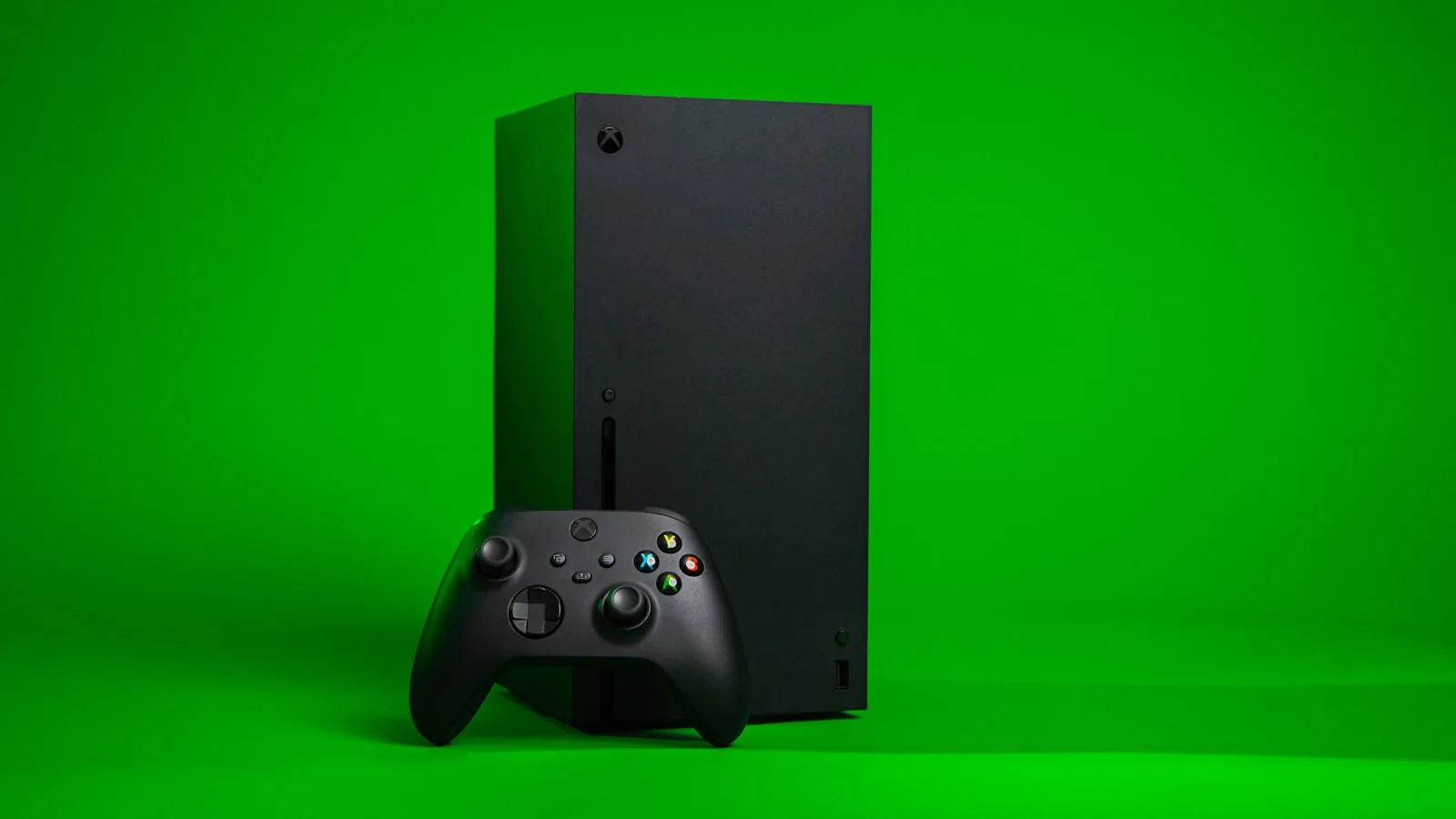
The Xbox servers fluctuated again in the early hours of May 29, 2026, with a peak of complaints on DownDetector around 12:55 AM ET (about 1:55 AM in Brasília). If your console froze at login, dropped in the middle of an online match, or refused to open the store, this guide shows how to confirm the failure, apply Microsoft's official fixes, and understand why such outages happen.
TL;DR
- The Xbox servers recorded a peak of failures on 05/29/2026, with thousands of players reporting issues on DownDetector.
- There are conflicting reports: some services appear operational, while users still complain about unstable login and multiplayer.
- The most common symptoms are error 0x87dd000f, authentication failure, disconnection in online matches, and slowness in the Xbox Store.
- Official fixes include restarting the console and router, changing DNS, and removing/readding the profile.
- Before tinkering with the console, always confirm the issue on Microsoft's official status page.
What happened to Xbox servers on May 29, 2026
In the early hours of May 29, 2026, the volume of searches for "Xbox down" spiked. Monitoring services like DownDetector recorded a peak of reports around 12:55 AM ET, with thousands of players pointing to login and connection failures with the Xbox servers.
The scenario, however, is not unanimous. While player communities reported instability, some specialized outlets published on the same day that Xbox and related services were operating normally. This type of divergence is common in partial outages: the failure affects a region, a specific data center, or a single service (login, store, multiplayer), while the rest of the network remains up.
In practice, this means your neighbor might be playing online without issue while you can't even get past the login screen. It's not a defect in your console — it's the distributed nature of the infrastructure. Therefore, the first step is never to reset everything hastily: it's to diagnose where the failure is.
How to know if Xbox servers are really down
Before blaming your Wi-Fi or console, it's worth taking two minutes to check the right source. Confusing a problem on your network with an outage of the Xbox servers makes you waste time restarting equipment unnecessarily.
Use these three fronts, in this order:
- Microsoft's official status page. This is the source of truth. Access the official Xbox status and check if there is a notice on services like "Account & login", "Games & gaming", or "Xbox Store". If there is a yellow or red banner, the failure is Microsoft's — just wait.
- Independent monitors. DownDetector, StatusGator, and TrueAchievements aggregate user reports in real time. A graph of reports rising vertically is the most honest sign of a collective outage.
- Cross-test at home. Open a YouTube video on the console or access a website on your phone using the same Wi-Fi. If the general internet works but only Xbox fails, the problem is with the servers or your account — not your network.
If all three indicators point to a widespread outage, put away the tools: no local configuration can fix a server that is down on the other side of the planet.
Error 0x87dd000f and other signs of instability
The code that appears most often in these episodes is 0x87dd000f. According to Microsoft documentation, it indicates that the account login failed due to a network connectivity problem — usually after a server outage or when the handshake between the console and authentication servers does not complete.
In other words: your Xbox tried to prove to Microsoft that you are you, and the response never arrived. This can happen both due to instability in the Xbox servers and due to a home network that drops the connection midway.
Other classic signs of service instability:
- "Service interruption" message when trying to open a game that requires a connection.
- Multiplayer disconnects seconds after entering a match.
- Xbox Store blank or freezing when loading the storefront.
- Cloud Gaming (xCloud) with black screen, eternal queue, or frozen stream.
- Xbox app on phone not syncing achievements or friends list.
Recognizing the pattern helps decide the next step: if the error comes with massive reports on monitors, it's an outage. If it's just you, it's worth moving to local fixes.
How to fix Xbox connection issues
When the check indicates that the Xbox servers are up, but your console still fails, it's worth running the sequence of fixes recommended by Microsoft itself. Do one at a time and test before moving to the next — skipping steps only makes it harder to understand what actually solved it.
Console fixes
- Restart the console completely. Hold the Xbox button until full shutdown, unplug the power cord for 30 seconds, and turn it back on. This forces a clean power cycle and redoes the handshake with the servers.
- Remove and readd your profile. In Settings > Account, remove the account (your cloud saves are preserved) and sign in again. This clears corrupted local data that blocks authentication and often finally fixes error 0x87dd000f when it persists after an outage.
- Check for system updates. An interrupted update in Settings > System > Updates can break communication with the service. Complete the pending download before trying to go online.
Network fixes
- Restart the modem and router. Turn them off, wait about a minute, and turn them back on. Many login failures disappear after the home network renews the connection and receives a new address from the provider.
- Change DNS. In Network settings > Advanced settings, manually set DNS to Google's (8.8.8.8 and 8.8.4.4) or Cloudflare's (1.1.1.1 and 1.0.0.1). In many cases of slowness, the bottleneck is the provider's name resolution, not bandwidth.
- Prefer cable over Wi-Fi. If you play online or use Cloud Gaming, an Ethernet cable reduces packet loss and latency variation (jitter) — two silent villains that mimic a server outage without being one.
If none of this works and monitors confirm the outage, the only correct action is to wait. Forcing repeated resets during a real outage only increases the chance of corrupting local data and does nothing to speed up the return of the Xbox servers.
Quick table: symptom, cause, and solution
For quick reference during instability, here is the cross-reference between what you see on screen and what usually fixes it:
| Symptom | Likely cause | What to do first |
|---|---|---|
| Login fails with error 0x87dd000f | Authentication / handshake failure | Restart console and check official status |
| Disconnects from multiplayer | Unstable game servers or Xbox Network | Wait; test another online title |
| Xbox Store won't load | Store service down | Check status; try again later |
| Cloud Gaming freezing | Latency or stream servers | Change DNS and use wired network |
| Xbox app on phone won't connect | Account identity service | Re-login and update the app |
The general logic: login and multiplayer issues are almost always on Microsoft's side; isolated stream and store issues can be improved on your end with DNS and Ethernet cable.
What the Xbox server outage teaches about cloud infrastructure
After more than 15 years managing Linux servers and critical cloud environments, I've learned that no platform is immune to outages — not even Microsoft's. And the Xbox servers run on the same data center foundation that supports heavy corporate services. When something shakes that foundation, millions of consoles feel it at once.
The episode exposes three truths that apply to any digital business, not just gamers:
- Identity service dependency is a single point of failure. Error 0x87dd000f is not about games: it's about authentication. When login goes down, everything goes down. In corporate systems, isolating the identity service and having a contingency plan is what separates instability from chaos.
- Public status is part of the product. Microsoft gets it right by maintaining a transparent status page. For SaaS operators, communicating the failure quickly reduces support volume and preserves trust.
- The cloud is not magic — it's someone else's computer. Not surprisingly, Microsoft itself invests heavily in its data center foundation, as I showed in the article about Azure Linux 4, Microsoft's Fedora-based distro. The more solid the foundation, the fewer outages reach the end user.
The practical lesson: redundancy, observability, and clear communication are not luxuries. They are what keep a service up when — not if — something goes wrong.
When it's not your fault: modern console and online dependency
It's worth a reminder that saves a lot of frustration: in the current generation, the console has become a terminal increasingly dependent on the cloud. Synced saves, digital stores, multiplayer, and even part of graphical processing now depend on a stable connection to the Xbox servers and game servers.
This is not exclusive to Microsoft. The entire industry has moved in this direction — I discussed a similar tension in the text about NVIDIA's AI paradox on the Nintendo Switch 2, where hardware and network services intertwine in a way that players rarely notice until something fails.
The point is: when your game freezes on the login screen, the probability that the problem is yours is lower than it seems. Before reinstalling anything or opening the console, spend two minutes confirming the status. In most large outages, the best technical decision is the simplest: wait for Microsoft to normalize the service.
Conclusion: diagnose before acting
Outages of the Xbox servers will continue to happen — it's the price of a globally connected platform. What changes is your reaction. Instead of restarting everything in a panic, follow the script: confirm on the official status page, check independent monitors, identify the symptom in the table, and only then apply the correct fix.
If you manage any online service beyond your console, take the lesson forward: monitor, communicate, and build redundancy before the failure appears. Need help making your infrastructure more resilient? That's exactly the kind of challenge we solve at Agathas Web — and the first step is always the same: measure before tinkering.
Related posts
Manus AI: The Chinese Agent's 2026 Saga & Lessons for US Businesses
Acquisition blocked by Beijing, two days offline, and data deletion: what the Manus case teaches those who use AI agents.

What Counts as AI in 2026: A U.S. Legal Guide
Is your chatbot AI in the eyes of the law? Three U.S. regulations hinge on that answer—and most companies aren't ready.
Midjourney V8.2: AI Creatives for Ads in 2026
Draft mode, V8.2, commercial license, and the billion-dollar Hollywood lawsuit: the practical Midjourney map for ad creative production.