Native, Hybrid, or PWA: Choosing the Best App for Your Business in 2026
Cost, performance, app stores, iPhone push notifications, and offline capabilities: a comparison to help you avoid overspending on your next app.
by Cleverson Gouvêa
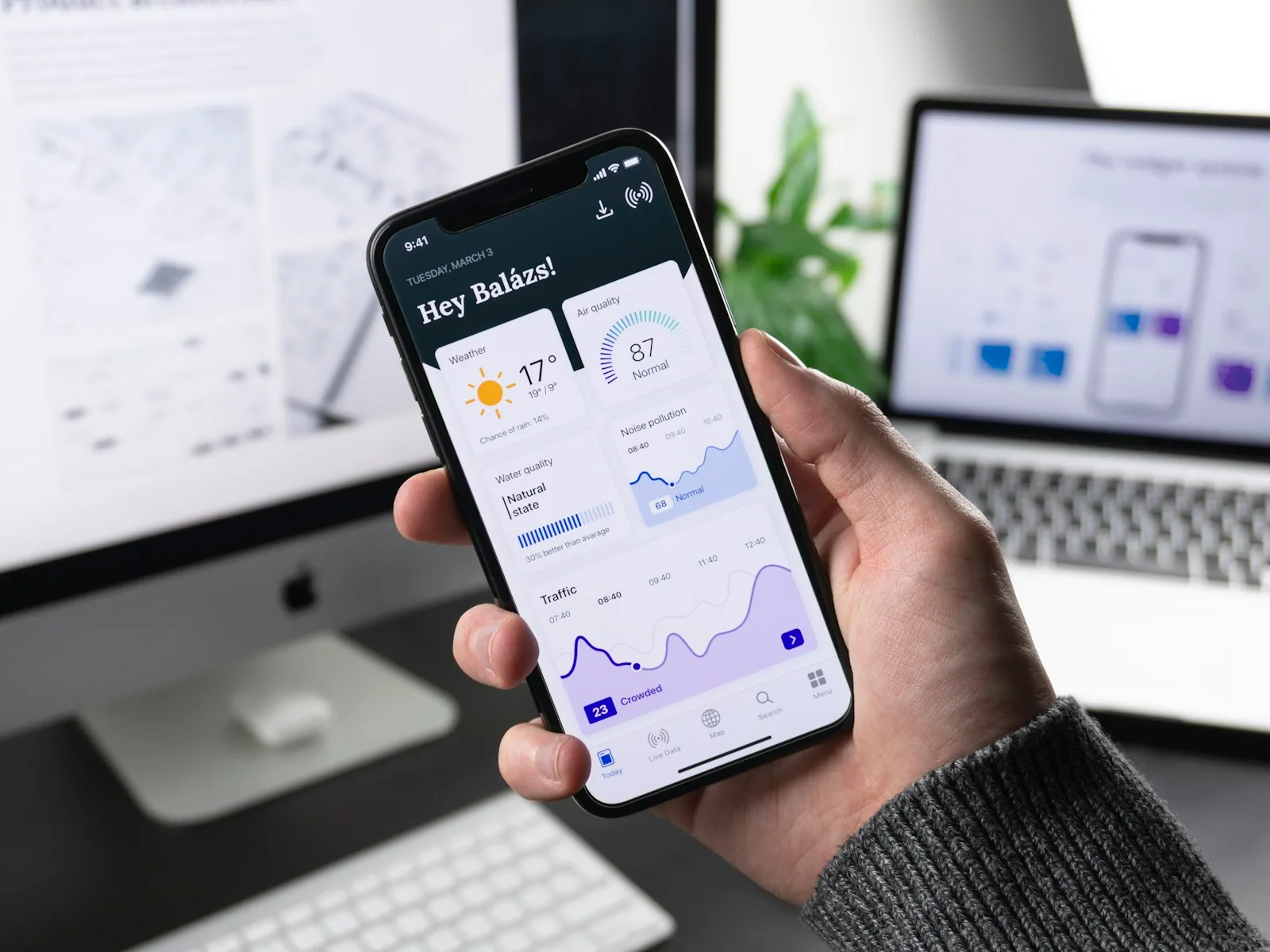
Choosing between a native or hybrid app is often the first decision that stalls business leaders who need an application — and it's frequently complicated by a third option, the PWA. All three work. What changes is how much you pay to build, how much you pay annually to maintain, whether the app gets into app stores, and if notifications reach iPhones. This guide compares the options with 2026 figures and explains when each path is the wrong one.
TL;DR
- When in doubt between a native or hybrid app, the answer for most businesses is cross-platform (React Native or Flutter): one codebase, two apps in stores, with near-native performance.
- Pure native (Swift + Kotlin) only pays off when the app relies on heavy device features: advanced camera, Bluetooth, AR, or real-time processing.
- WebView Hybrid (Capacitor/Ionic) is the cheapest if you already have a web system — but Apple rejects "wrapped websites" under App Store rule 4.2.
- PWA doesn't incur store fees or review processes, and since iOS 16.4, it receives push notifications on iPhones. However, users must install it manually, and the iPhone limits its background capabilities.
- While in Brazil, **75% of mobile phones are Android** (StatCounter, August 2026), this market dynamic differs significantly in the US, where iOS holds a substantial share, impacting development choices.
I write as a full-stack developer and founder of Agathas Web, a company I've run since 2008. I publish applications in app stores on behalf of clients — from Moodle applications branded for institutions to team apps — and manage the servers that power them. I've recommended all four paths discussed in this text, and I've seen clients pay dearly for choosing the wrong one.
Native or Hybrid App: The Four Options, Jargon-Free
The question "native or hybrid app" often masks a vocabulary confusion. In the market, "hybrid" has become a label for anything non-native. This complicates budgeting because these technologies have very different costs and limitations. Before truly comparing native or hybrid apps, let's break them down:
Native
One app written in Swift for iPhone and another in Kotlin for Android. Two codebases, typically two specialized teams. Full and immediate access to everything the operating system offers. It's the benchmark for performance — and the most expensive to build and maintain.
Compiled Cross-Platform (the "Modern Hybrid")
React Native (from Meta) and Flutter (from Google). You write a single codebase, and it generates two apps that use native components or rendering, not a web page. Many vendors refer to these as hybrid; technically, they are not. It's the option I most recommend for enterprise apps when the dilemma is truly between native or hybrid.
WebView Hybrid
Capacitor or Ionic: the web system runs within an embedded browser in the app, with plugins for camera, push notifications, and file access. It reuses almost all existing web code. The official Moodle application, for example, is built with Ionic and Angular — proof that the approach can handle serious products when well-executed.
PWA (Progressive Web App)
A website that installs to the home screen, opens without the browser bar, works partially offline, and sends notifications. It doesn't go through an app store. You publish it like any website: update the server, and everyone receives the update.
Comparison Table: Cost, Performance, App Stores, Push Notifications, and Offline
This is the table I use in discovery meetings to decide between a native or hybrid app with clients. The costs are relative, because the absolute value depends on the scope — but the proportion between columns remains consistent project after project.
| Criterion | Native | React Native / Flutter | WebView Hybrid | PWA |
|---|---|---|---|---|
| Codebases | 2 | 1 | 1 (reuses web) | 1 (is the web itself) |
| Build Cost | Highest | Medium | Low if existing web system | Lowest |
| Performance | Benchmark | Near-native | Good for simple screens; struggles with animations and long lists | Browser-dependent |
| App Store & Google Play | Yes | Yes | Yes, with risk of Apple rejection | Google Play via TWA; Not on App Store |
| Android Push | Yes | Yes | Yes | Yes |
| iPhone Push | Yes | Yes | Yes | Only if installed to home screen, iOS 16.4+ |
| Robust Offline | Yes | Yes | Yes, with plugin | Partial; limited on iPhone |
| Updates | Store review | Store review (OTA for JS in some cases) | Store review | Instant |
| Annual Maintenance | Two teams | One team | One team | Minimal |
Two quick takeaways from this native, hybrid app, and PWA table. First: the PWA wins on cost but loses on iPhone reach. Second: between native or compiled hybrid apps, the performance difference rarely justifies paying two teams.
Performance: Where the Difference Truly Shows
Performance is the argument every native app vendor uses. It was stronger five years ago than it is today.
What's Changed in React Native and Flutter
React Native began using the New Architecture by default in version 0.76, released in October 2024, according to the project's official blog. It eliminates the old asynchronous "bridge" between JavaScript and native code, which was the source of slowdowns in long lists and animations. In Flutter, the Impeller rendering engine has been the default on iOS since version 3.10 and on Android (API 29 or higher) since 3.27, as per the Flutter documentation — which reduced the initial animation stutters.
In practice: for registration, queries, scheduling, orders, chat, catalogs, and dashboards, the user won't notice a difference between a native or compiled hybrid app.
When Native Still Wins
- Continuous on-device processing: real-time video, document scanning with computer vision, augmented reality.
- Specific hardware: low-energy Bluetooth with industrial equipment, NFC, medical sensors.
- New system features on launch day: widgets, Live Activities, integrations that first arrive in the native SDK.
When WebView Struggles
Lists with thousands of items, chained animations, and screens that redraw frequently. If the app is primarily forms and queries, WebView is sufficient. If the user experience is the product, it becomes a bottleneck.
App Stores: Who Gets In, Who Gets Rejected, and What It Costs
Being in the App Store and Google Play isn't just about vanity, and here the choice between a native or hybrid app carries different weight. It's where customers look for your brand — and it's the only straightforward path for push notifications to work effortlessly on iPhones.
The Rule That Trips Up Hybrid Apps on Apple
Guideline 4.2 (Minimum Functionality) of the App Review Guidelines requires that the app offers features, content, and interface that go beyond "a repackaged website." This directly impacts poorly executed WebView hybrids: opening a website within an app, without its own navigation, push notifications, or device features, is a rejection request. Those deciding between a native or WebView hybrid app need to budget for the native layer that satisfies the reviewer — it's not optional.
Google Play: Business Accounts Avoid Three-Week Wait
Personal developer accounts created after 11/13/2023 can only publish to production after a closed test with 12 testers for 14 consecutive days, according to the Play Console help center. Organization accounts are exempt. This is another reason to publish under your company's official business account, not a freelancer's personal account.
PWA in Stores: Android Only
A PWA can enter Google Play packaged as a Trusted Web Activity with the Bubblewrap tool, as per the Chrome developer guide. On the App Store, there's no equivalent path: to be there, you need a real app.
Costs and Rules for 2026
An Apple account costs $99 per year; a Google account, $25 one-time. In 2026, both stores tightened technical requirements: Apple began requiring submissions compiled with Xcode 26, and Google requires target API 36 for new submissions since 08/31/2026. Furthermore, while Android developer verification becomes mandatory in Brazil on 09/30/2026 (even for APKs distributed outside the store), this trend toward stricter developer accountability is a global one, and US developers should anticipate similar evolving requirements. The result: any choice between a native or hybrid app brings a mandatory annual technical update.
Notifications and Offline: Where PWAs Still Fall Short
This is where many PWAs marketed as a "no-store-cost app" often disappoint. The limitations are primarily on the iPhone.
iPhone Push Notifications Exist, With Conditions
Since iOS 16.4, web apps added to the home screen receive Web Push, with notifications on the lock screen and Apple Watch, according to the WebKit announcement. The decisive detail: a website opened in Safari cannot request push permission. The user must first tap Share → Add to Home Screen. On Android, Chrome offers installation automatically; on iPhone, you rely on the user following a tutorial.
iOS 26 eased things slightly: any website added to the home screen now opens as a web app by default, according to the Safari 26 new features. The manual step still remains.
Offline and Storage
Safari deletes script-stored data — IndexedDB, LocalStorage, service worker cache — from websites without user interaction for 7 days. A PWA installed on the home screen is exempt from this rule, as per the WebKit tracking prevention policy. Even when installed, it doesn't sync in the background on iPhone like a native app does. For field teams recording data without signal and needing everything to upload automatically later, this is a critical factor.
Platform Risk
The PWA's viability depends on Apple's decisions regarding Safari. In 2024, Apple even announced the removal of home screen web apps in the European Union and reversed course weeks later. While this didn't happen in Brazil, it illustrates the underlying dependency.
True Cost: How Many Codebases Will You Maintain?
The financial question behind native or hybrid apps is simple: how many codebases will you sustain over the next five years? The build cost appears in the proposal. The maintenance cost often does not.
Build
- PWA: If you already have a responsive web system, transforming it into a PWA (manifesto, service worker, push, icons) is a matter of weeks, not months.
- WebView Hybrid: Starts from the existing web system and adds the native layer required by app stores.
- React Native or Flutter: A complete app, one team, two apps. In our service pricing, mobile apps with integration typically range between $40,000 and $120,000, published in 8 to 16 weeks.
- Native: Expect significantly more hours, as much of the work is duplicated, requiring two specialized teams to hire or maintain.
Maintenance
App store apps require annual technical updates because Apple and Google change requirements every year. For native apps, that cost is doubled. For PWAs, it practically disappears — you update the server, and you're done. On this topic, I detail the role of AI in development in Enterprise App Development with AI: it accelerates repetitive tasks, but doesn't eliminate the second codebase.
The Server Nobody Budgets For
Whatever the choice, the app communicates with an API. I operate Moodle servers that peak on exam days, and the lesson applies equally to apps: when a push notification reaches all users simultaneously, thousands of devices hit the API in the same minute. Size your hosting for peak load, not average.
When NOT to Choose Each Option
Half of a good decision about native or hybrid apps is knowing what to discard. These are the pitfalls I most often see.
- Don't go native if the app is for registration, queries, and notifications. You'll pay two teams for a performance gain the user won't notice.
- Don't build a WebView hybrid just to "be in the store" with your website wrapped inside. Apple will reject it, and even if it passes, the store rating will reflect a slow website experience.
- Don't build a PWA if your primary audience uses iPhones and push notifications are the app's main purpose. The conversion rate for users following the installation tutorial is low.
- Don't build a PWA for field teams that work offline and require automatic synchronization.
- Don't build any app if usage is sporadic or primarily internal on a computer. A responsive web system solves this for far less.
- Don't accept exotic tools only the vendor masters. React Native and Flutter have large developer communities; obscure frameworks often lead to a rewrite when the vendor disappears.
- Don't publish under the vendor's account. An app in another company's developer account is not truly yours.
And an alternative often overlooked: sometimes the "app" a company wants is just to notify customers. If the goal is payment reminders, appointment confirmations, or order status, the official WhatsApp API delivers the message to the app the customer already has installed — no app store, no installation. We operate this daily through Voyia, our platform built on the official API. The cost is per message, not per app development.
How to Decide Between Native or Hybrid App in 5 Questions
If you need to leave this reading with a decision about a native, hybrid, or PWA app, answer in order:
- Will the user open this multiple times a week? If not, build a responsive web system or PWA and stop here.
- Are iPhone push notifications essential? If yes, discard PWA as a standalone solution.
- Does the app rely on heavy hardware or real-time processing? If yes, go native — or cross-platform with specific native modules.
- Is there already a good web system that the app will mirror? If yes, evaluate a WebView hybrid with a true native layer, or a PWA for Android and web.
- None of the above? React Native or Flutter. This is the standard choice for enterprise apps in 2026.
An Example from Our Daily Work
In EAD (Distance Learning), the question between a native or hybrid app rarely starts from scratch. The official Moodle app already exists and is maintained by Moodle HQ; what the institution wants is its own brand in the store and push notifications under its name. That's why, for custom Moodle applications, we start from the official app instead of rewriting it — and we track each version, as detailed in Moodle App 5.1 in 2026. Reusing a mature codebase almost always beats rewriting.
How Agathas Web Solves This
In Agathas Web's custom development services, the choice between a native or hybrid app is made during the discovery phase, before budgeting, and with written justification. We work with React Native, Flutter, Swift, Kotlin, and Capacitor/Ionic — so we have no incentive to push a single technology. What's included:
- Free 1-hour diagnostic. We understand the problem and even advise when a responsive web system or PWA is the right choice instead of a store app. A detailed proposal is provided within 5 business days.
- Pre-code discovery. Wireframes, architecture diagrams, data modeling, and MVP scope approved by you before the first line of code.
- Publication to app stores under your company's name, with push notifications and offline mode when the project requires it.
- Back-end, admin panel, and integrations from the same team: REST and GraphQL APIs, gateways like ASAAS and Stripe, ERP, Moodle, and the official WhatsApp API.
- 1 to 2-week sprints with live demos, code in your GitHub or GitLab from the first commit, and infrastructure in your account. Zero lock-in.
- Optional monthly support, including the annual technical updates required by app stores, bug fixes, and monitoring.
To get started, request a diagnostic through our app and system development page or contact our team via WhatsApp. You'll leave the conversation with the chosen technology, estimated timeline, and investment.
Conclusion: Choose by Problem, Not by Trend
The doubt between a native or hybrid app is resolved with three questions: how often the user opens it, if iPhone push notifications are essential, and how many codebases you're willing to maintain. For most businesses, the answer is cross-platform. For those with a solid web system and a predominantly Android audience, a PWA can be the cheapest first step. Native is reserved for when hardware dictates the choice.
If you want this decision made with your specific scope in mind, start with a free diagnostic from Agathas Web's custom development services.
Related posts
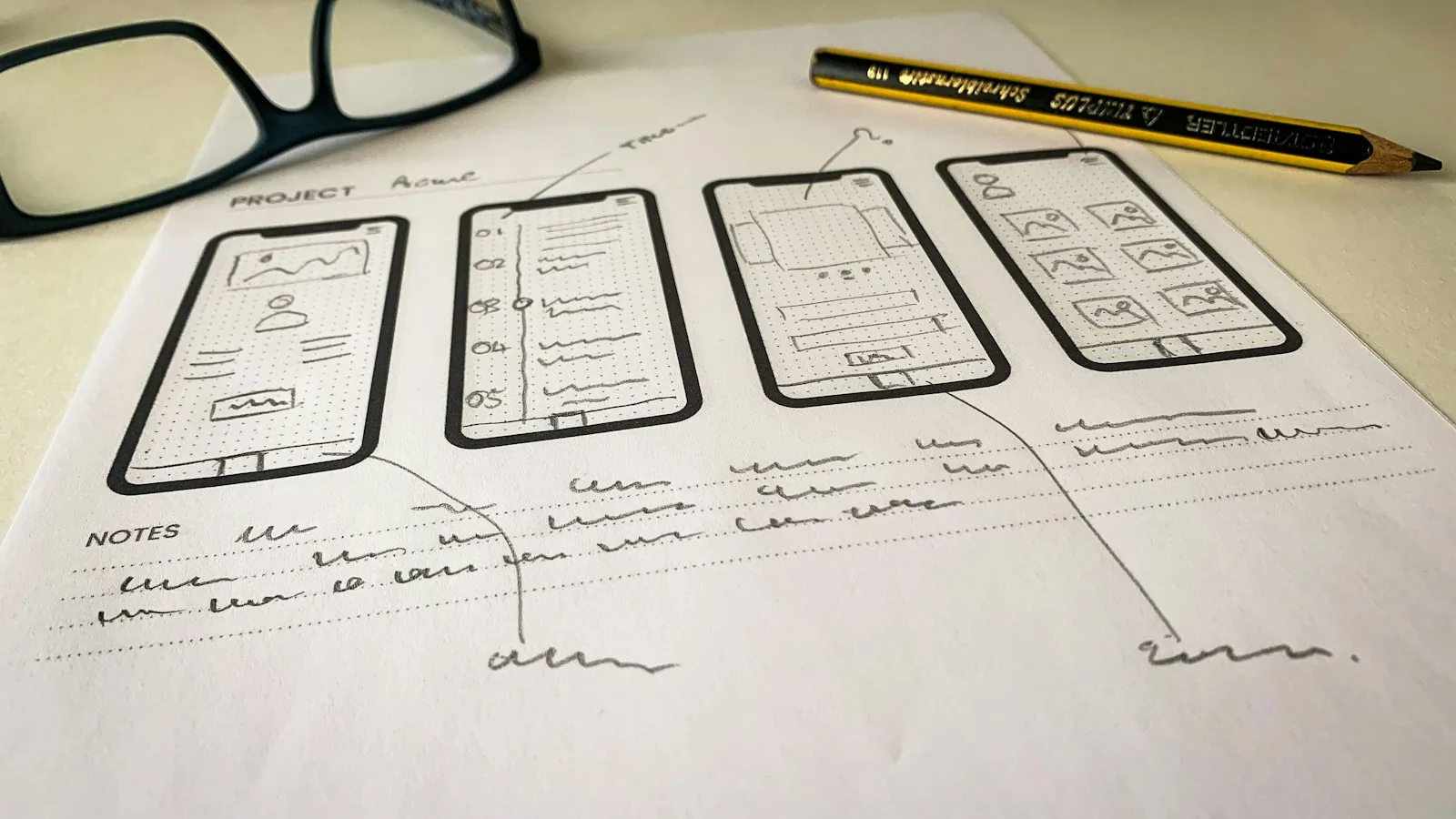
How Much Does iOS & Android App Development Cost in 2026?
Real-world pricing, factors that increase app costs, new Apple and Google policies for 2026, and annual maintenance budget.
Protecting Your Web Server from Attacks: WAF, fail2ban, and Rate Limiting
94% of logins on the Cloudflare network are bots. Learn how WAF, rate limiting, and fail2ban block attacks before they take down your site.
Linux Server Hardening: Checklist for Web Servers
Is your website running on your own VPS with no dedicated sysadmin? This checklist covers the hardening steps we apply to every inherited server, including common pitfalls that can lock you out.